
Install the CLI
- npm
- homebrew
- curl
- bun
- pnpm
- nix
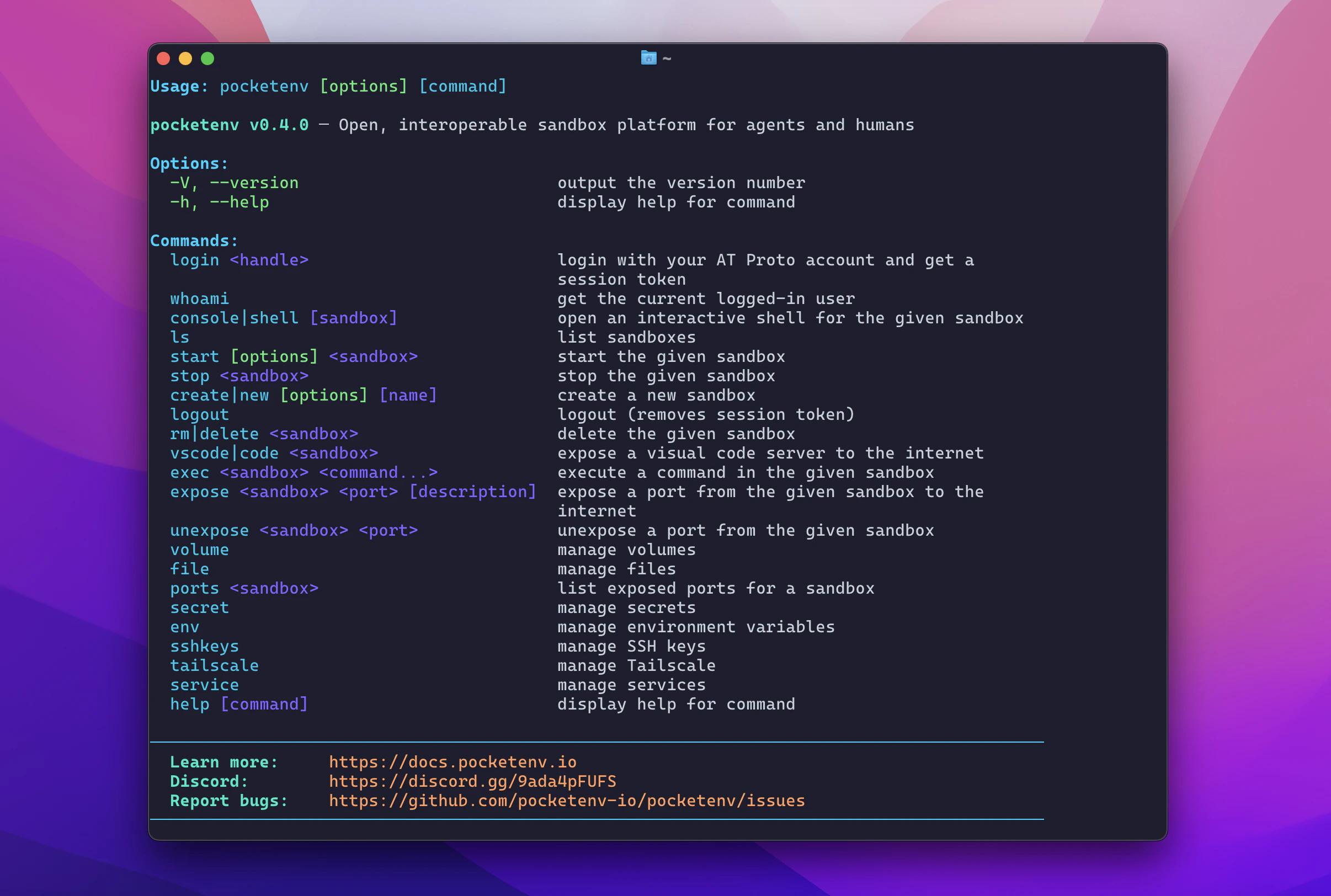
Log in
Pocketenv uses your AT Protocol handle (e.g. a Bluesky account) for authentication.~/.pocketenv/token.json.
For CI/CD environments, skip the browser flow by setting the
POCKETENV_TOKEN environment variable instead.Create a sandbox
cloudflare provider and the openclaw base image — a minimal Linux environment with openclaw and common dev tools pre-installed.
Specify a different provider or base:
Run a command
Open an interactive shell
exit to return to your local terminal.
Start, stop, and delete
Next steps
Providers
Configure Daytona, Vercel, E2B, Modal, and more.
Expose ports
Make your sandbox services accessible from the internet.
Secrets & env vars
Store credentials and configuration securely.
SDK
Use Pocketenv programmatically from TypeScript/JavaScript.